How it works
FastBookshelf turns the books you've actually finished into a photorealistic shelf — your exact titles, in gold, on dark wood. Here is the whole process, start to finish.
- I
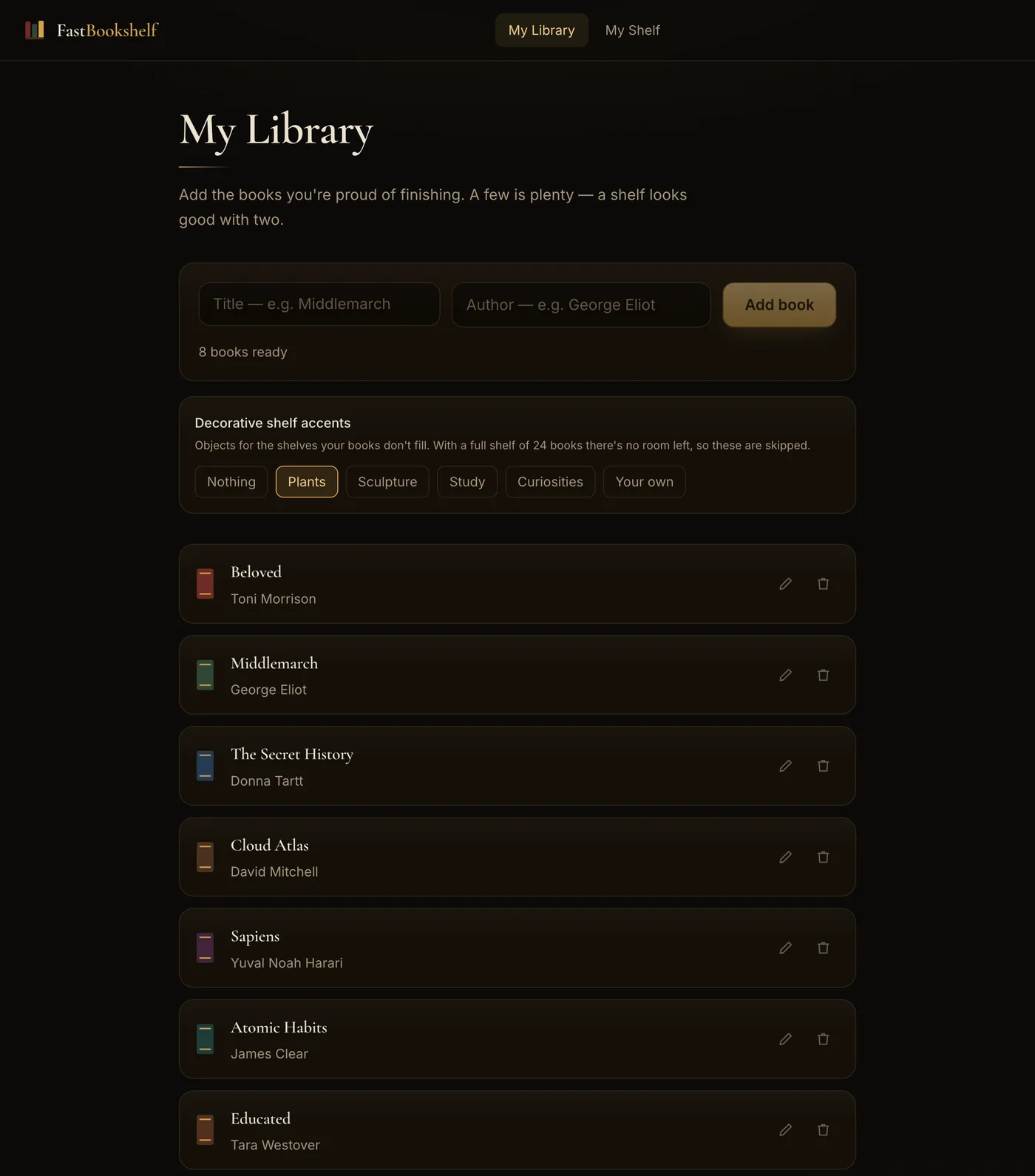
Log the books you've finished
Type a title and an author, or import a whole library from Goodreads or StoryGraph. Search suggests real books as you type, so you're not spelling "Yanagihara" from memory. One shelf holds up to 18 books, and a shelf looks good with as few as two.
- II
Choose what sits beside them
Pick decorative accents for a shelf your books don't fill — plants, a marble bust, a globe with an inkwell and quill, or a telescope and mantel clock. You can also describe an object yourself and it'll be placed for you. They go on the highest shelf with no books on it, never on a shelf that holds books.
- III
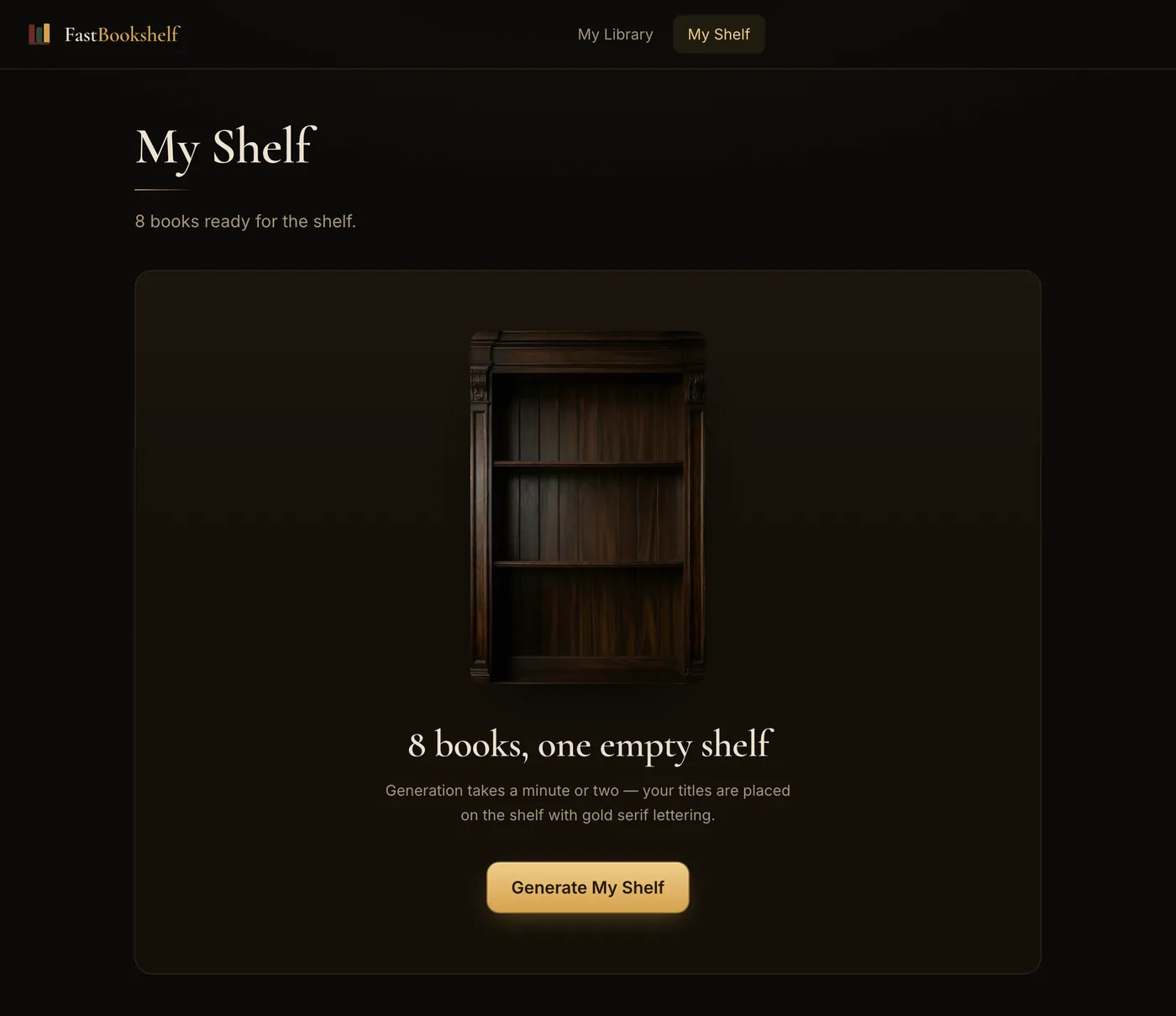
Generate the shelf
One click — you'll be asked to sign in the first time — then a minute or two while your exact titles are lettered in gold onto a classical wooden bookcase. Books spread across the three shelves automatically as your library grows — twelve or fewer sit on the middle shelf alone.
- IV
Download it, free
The finished shelf is yours at full resolution, with no watermark, as many times as you like. Share the link, set it as a wallpaper, or post it wherever you talk about books.
The result
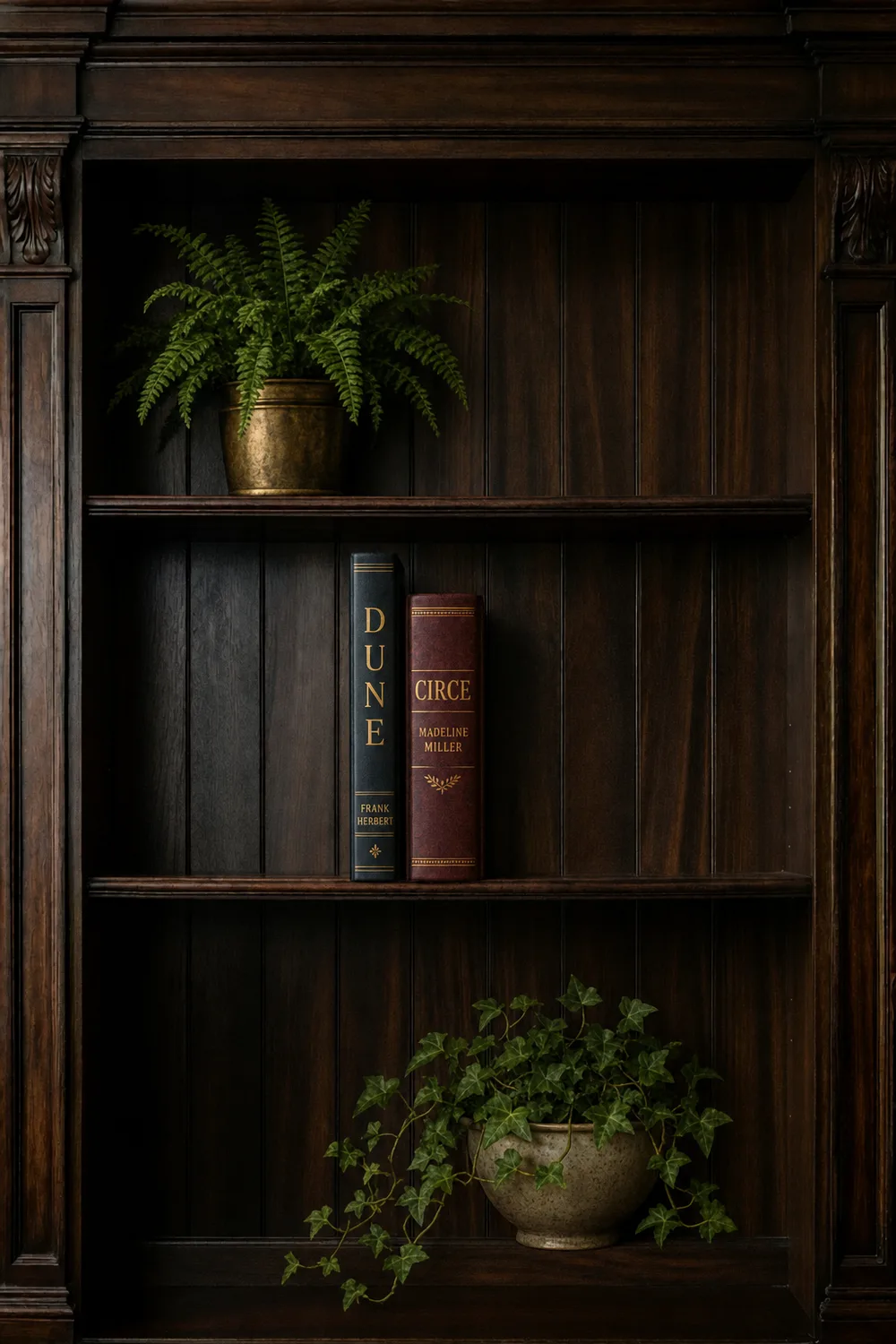
An actual shelf generated by the steps above — two books on the middle shelf, a fern and trailing ivy on the rows they didn't fill.
Common questions
- What does it cost?
- Your first shelf is free. Each shelf after that is $4.99 AUD, paid once. Downloads are always free and never watermarked.
- Do I need an account?
- You need one to generate. Logging books takes no account at all, but generating a shelf requires a free account — sign in with Google, or an email and password. It takes a few seconds, and it keeps your shelves and your free shelf tied to you rather than to one browser.
- How many books fit on one shelf?
- Up to 18. They spread across the three shelves of the bookcase automatically — twelve or fewer render on the middle shelf alone.
- How long does a shelf take to generate?
- About a minute or two. The image is created fresh from your exact list of titles each time.
- Are the books really mine, or is it a stock picture?
- Really yours. Every spine is lettered with the exact title and author you entered — that's the whole point.
- Can I use the image anywhere?
- Yes. It's a full-resolution file with no watermark, yours to print, post, or set as a wallpaper.
Your turn.
Start with two books. It takes about a minute, and the first shelf is free.
Start your shelf